How to get someone banned on Telegram (and what actually triggers a ban)
Wondering how to get someone banned on Telegram? You can't, just for disliking them — Telegram only restricts accounts, channels or groups after a human moderator confirms a genuine rule-break. To get someone banned, report the specific violating content through Telegram's official routes with clear evidence; report volume and personal grudges change nothing.
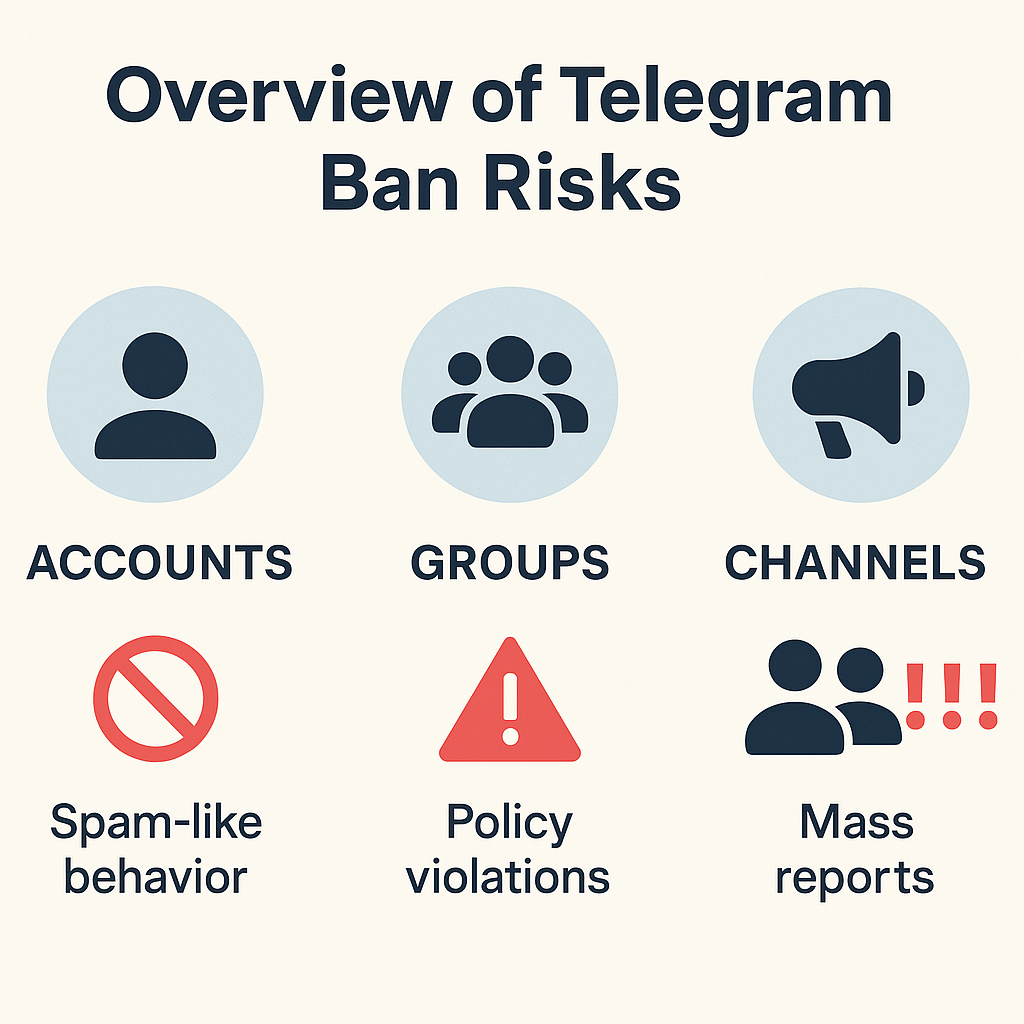
Can you really get someone banned on Telegram?
Yes, but only when they actually break a rule. Telegram doesn't ban people for being annoying, for winning an argument, or for pulling subscribers away from a rival — it acts on content that violates its Terms of Service or Community Guidelines. There are also two very different things people mean by this question. If you run a group or channel, you're an admin and can ban a member yourself in two taps, with no review needed. Getting Telegram itself to remove someone else's account, channel or bot is the harder route: you report the violating content, a moderator checks it, and a restriction follows only if a real breach is confirmed. This page is about that second route — pushing a genuinely abusive account toward a ban through Telegram's official channels, not silencing someone you simply disagree with.
What actually gets an account or channel banned on Telegram?
Specific abuse does — not popularity, and not the number of complaints. Telegram's moderators remove content that breaks clear rules, and its own moderation page reports they block tens of thousands of groups and channels every day (Telegram, 2026). Enforcement tightened after founder Pavel Durov's August 2024 arrest in France; that September he wrote that the platform already takes down "millions of harmful posts and channels every day." The breaches that reliably draw action are concrete: financial and crypto scams, accounts impersonating a real person or brand, phishing bots built to steal logins or seed phrases, non-consensual mass-adding and automated spam, and storefronts selling counterfeits or other illegal goods. Anything touching child safety or credible violence is treated most seriously and should also go to your national authorities. A channel you find irritating but that breaks none of these rules will stay up, however many people report it.
How do you report someone on Telegram, step by step?
Report the specific content, choose the genuine reason, and Telegram routes it to a human reviewer. The in-app flow takes under a minute:
- Open the account, channel, group or bot, tap its name to open the profile, then choose Report and select the reason that truly fits — spam, scam, violence, child abuse, and so on.
- To flag a single post, tap and hold the message, then choose Report; this points a moderator straight at the exact content that breaks the rules.
- If the account is impersonating you or your brand, message Telegram's official @NoToScam bot, which handles impersonation cases.
- For illegal public content, email [email protected] with the @username, the t.me link, and dated screenshots of the offending posts.
- For anything involving child safety, also report it to your national authorities — never route that through a paid queue.
Telegram's Spam FAQ confirms reports are checked by human moderators, so one clear, specific report does far more than a flood of vague ones.
Which Telegram report route fits your situation?
The right route depends on what the account is doing and where it's doing it. Match your situation to the channel Telegram actually provides:
| Your situation | Where to report | What Telegram can do |
|---|---|---|
| Someone impersonating you or your brand | @NoToScam bot | Review and remove the fake identity |
| A public scam, phishing or illegal-goods channel | In-app Report + [email protected] | Limit or ban the channel if a breach is confirmed |
| An abusive member inside a group you run | You ban them as admin | Instant removal — no Telegram review needed |
| Your own account was wrongly limited | @SpamBot | Check your status and ask for a review |
| Someone in a private one-to-one chat | Not actionable | Telegram won't process requests about private chats |
| A channel you dislike but that breaks no rule | No valid route | Disagreement isn't a violation — nothing happens |
That last row matters. Telegram's FAQ is explicit that it only handles takedown requests for illegal public content, not private chats and not lawful speech you happen to oppose.
What evidence makes Telegram actually act on your report?
Evidence does the work — not volume. A moderator has to confirm a real breach, so the clearer your proof, the faster that happens. Gather four things before you file: the exact @username and the t.me/ link, dated screenshots of the posts that break the rules, a one-line note of which rule is broken, and any context that shows intent, such as a scam wallet address or a cloned logo. Vague reports are the ones that go nowhere; "this channel is bad" gives a reviewer nothing to act on. This is also why a single, well-built case beats fifty copy-pasted complaints — and why our Telegram reporting solutions screen every case for a genuine violation before anything is filed. If the breach isn't there, no amount of evidence-shaped noise will invent it.
How long does a Telegram ban take, and what happens after you report?
There's no published timetable, and Telegram makes no promises. Be wary of blogs quoting exact figures like "24 to 72 hours" — those numbers appear in no Telegram policy. What the Spam FAQ does describe is the mechanism: when moderators agree messages crossed a line, the account becomes limited, capping what it can do before any full ban. Outcomes vary widely. A clear-cut scam channel can vanish quickly; a borderline case may sit untouched; and plenty of honest reports end in no action because no rule was actually broken. Telegram won't email you the verdict either — you'll usually just notice the content gone or the account limited. It's also worth knowing a banned operator can resurface under a new username with a backup channel, so removal isn't always the end of it. None of that is a reason to skip reporting; it's a reason to report precisely and keep your evidence.
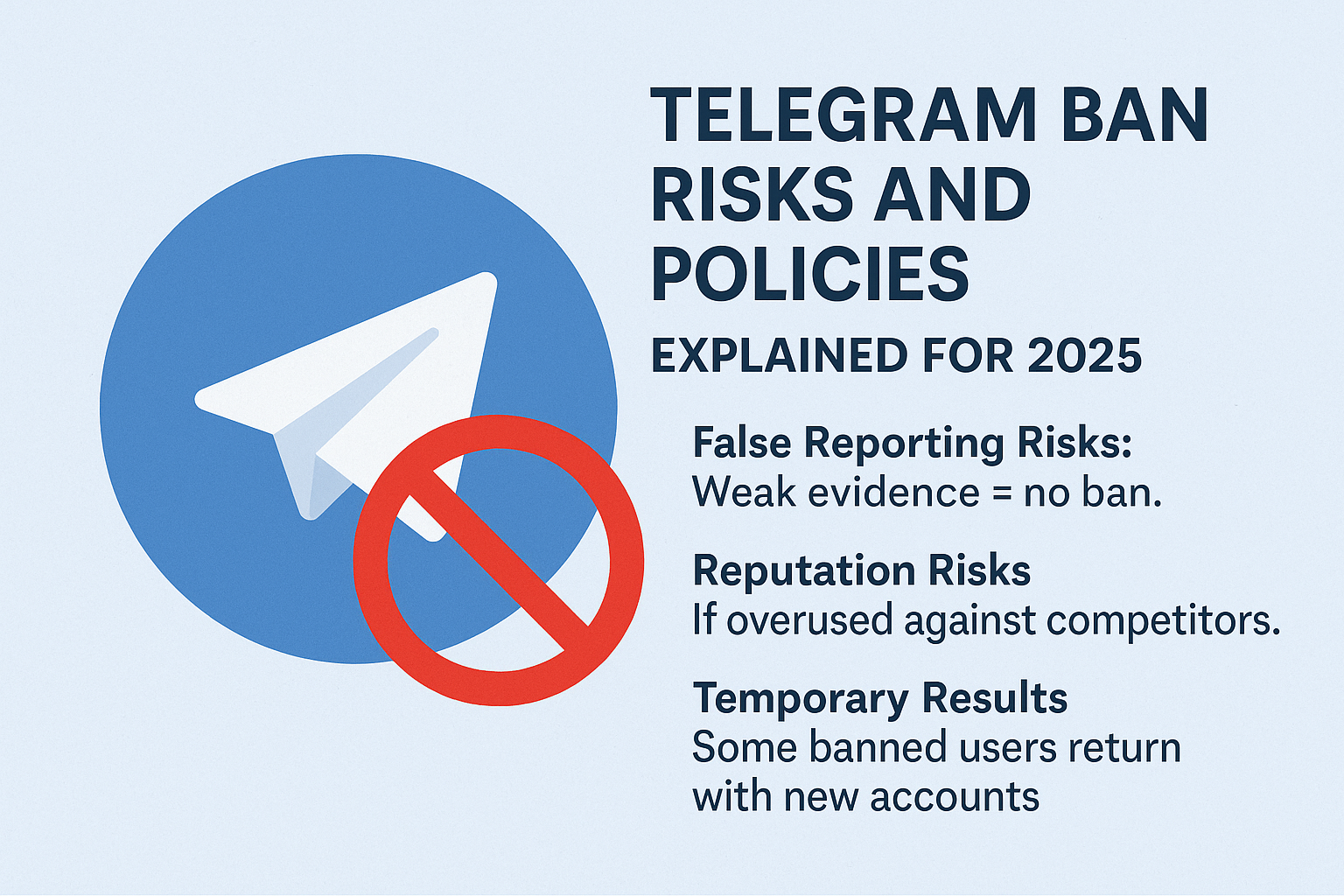
Why trying to "mass report" someone usually backfires
Coordinating a pile-on is the one approach almost guaranteed to fail. Telegram's anti-abuse systems are tuned to spot a burst of identical complaints from linked accounts and discount the lot, so the volume you paid for becomes the very signal that gets it ignored — and the accounts behind it can themselves be limited. There's a legal edge, too: since updating its privacy policy after the 2024 case in France, Telegram can hand a user's IP address and phone number to authorities on a valid legal request, and knowingly filing false reports against a lawful account can expose you to harassment or defamation claims. If a paid panel has tempted you, read why mass report bots can't force a ban before spending a cent. Honest, evidence-led reporting isn't only the safer path — it's the one that actually moves a case.
If you'd rather not navigate Telegram's routes alone, bring us the case and our reporting desk will build the evidence and file a genuine violation through the official channels with you.
What should you do after you've reported someone on Telegram?
Once the report is in, your job shifts from filing to protecting yourself and keeping the case clean. Block the account so it can't reach you, and resist the urge to re-report the same content from a dozen angles — repeat, identical complaints read as coordinated abuse and get discounted, not prioritised. Keep your evidence (the @username, the t.me links and dated screenshots) in case you need to escalate or re-file against a clone. Telegram won't email you a verdict, so check back on the channel or account rather than waiting for a notification; if it's gone or limited, the report worked. If your own account was caught up and wrongly limited, message @SpamBot to check the status and ask for a review. And if the content involves child safety or a credible threat of violence, take it to your national authorities straight away — that never belongs in a paid queue or a waiting game.
Sources
- Telegram Spam FAQ — reports reviewed by human moderators; accounts limited; @SpamBot for limits
- Telegram FAQ — takedown requests cover public content only; @NoToScam; [email protected]
- Telegram Moderation — scale of groups and channels removed daily
- Telegram Privacy Policy — data shared on a valid legal request
FAQ
Can you get someone banned on Telegram without being an admin?
Yes. You don't need any admin power to report an account, channel or bot to Telegram itself — you flag the rule-breaking content through the in-app Report button or [email protected], and moderators decide. Admin powers only matter for banning a member from a group or channel you personally run.
How do you report a Telegram account that is harassing you?
Open the account or the harassing message, tap Report, and pick the reason that fits, such as spam or violence. Block the account as well. If it is impersonating you, message @NoToScam, and for anything illegal, email [email protected] with links and dated screenshots.
Will Telegram tell you when someone gets banned from your report?
No. Telegram doesn't send reporters a verdict or a notification. You'll usually just notice the content has disappeared or the account has been limited. The lack of a reply doesn't mean nothing happened — it simply isn't part of how Telegram handles reports.
Can you get a whole Telegram channel banned, not just an account?
Yes. Public channels, groups, bots and sticker sets are all reportable, and Telegram can restrict or remove a channel once a moderator confirms a genuine breach. Private one-to-one chats are the exception — Telegram says it won't process takedown requests about private content.
Does reporting someone on Telegram reveal who you are?
Telegram doesn't show the reported user who filed the report. Be aware, though, that coordinated false reports get detected and discounted, and on a valid legal request Telegram can share account data with authorities — so report honestly and only genuine violations.
Can you report a Telegram bot the same way as a channel?
Yes. Public bots are reportable content just like channels, groups and sticker sets. Open the bot, tap its name and choose Report, or for an illegal one email [email protected] with its @username and dated screenshots. A bot built to phish logins or drain wallets is exactly the kind of public surface Telegram will review and remove once a moderator confirms the breach.